Tarun Kotia
Published in howto • May 12, 2026
Getting started with Urloom
Urloom organizes content by topic which means you can subscribe to the topic you are interested in and you can sit back and let urloom stream all the content from the web for you. This way you are not sifting through the whole news feed just to find the ones which may be relevant to you.
Urloom is built around topics, making it easier to discover new topics and content sources.
1. Follow A Topic
Let’s see how it works by walking through an example.
We are going help Sam, a teenager, who recently got a GoPro Hero11 Balck action camera as a Christmas present and he’s eager to level up his videography skills. He wants tutorials, tips, gear reviews, and the latest news from the action camera world, but he has no idea where to start.
The old way would look something like this:
  1. Search for videography blogs and forums
  2. Track down each site's RSS feed URL
  3. Import them into a reader, one by one
  4. Realize he's still missing half the good stuff
But with urloom, Sam just searches for this topic and follows it. That’s it.
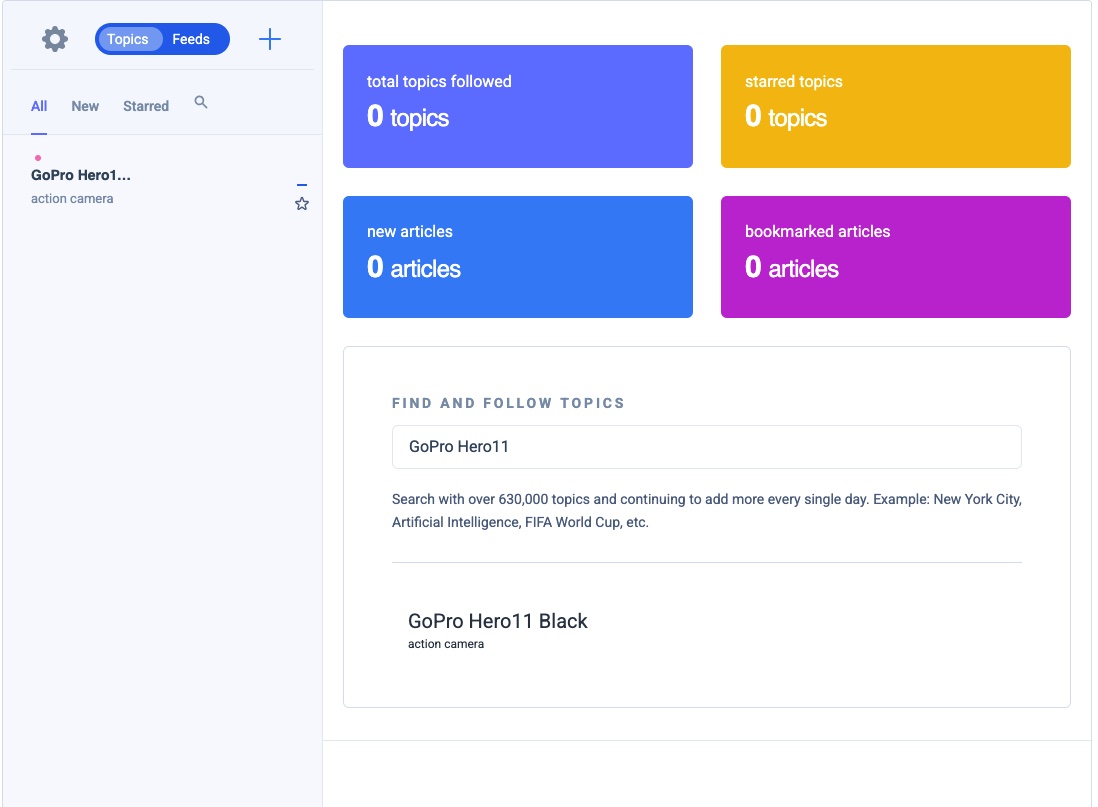
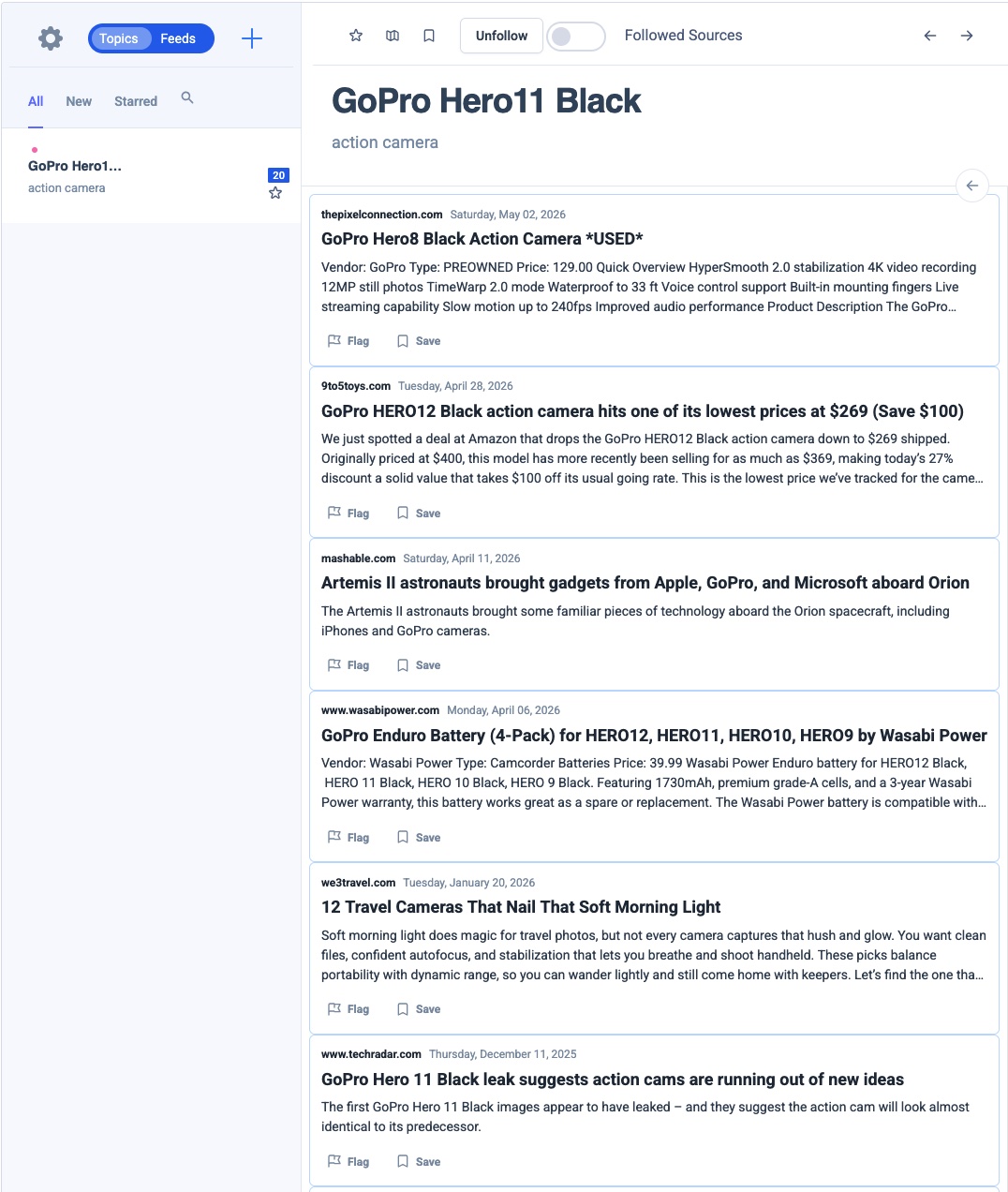
Once Sam follows the GoPro Hero 11 Black , the topic stream pulls in articles from millions of blogs and websites across the internet, sorted from newest to oldest, with nothing irrelevant cluttering the feed. No setup. No hunting for sources.
2. Explore Topics
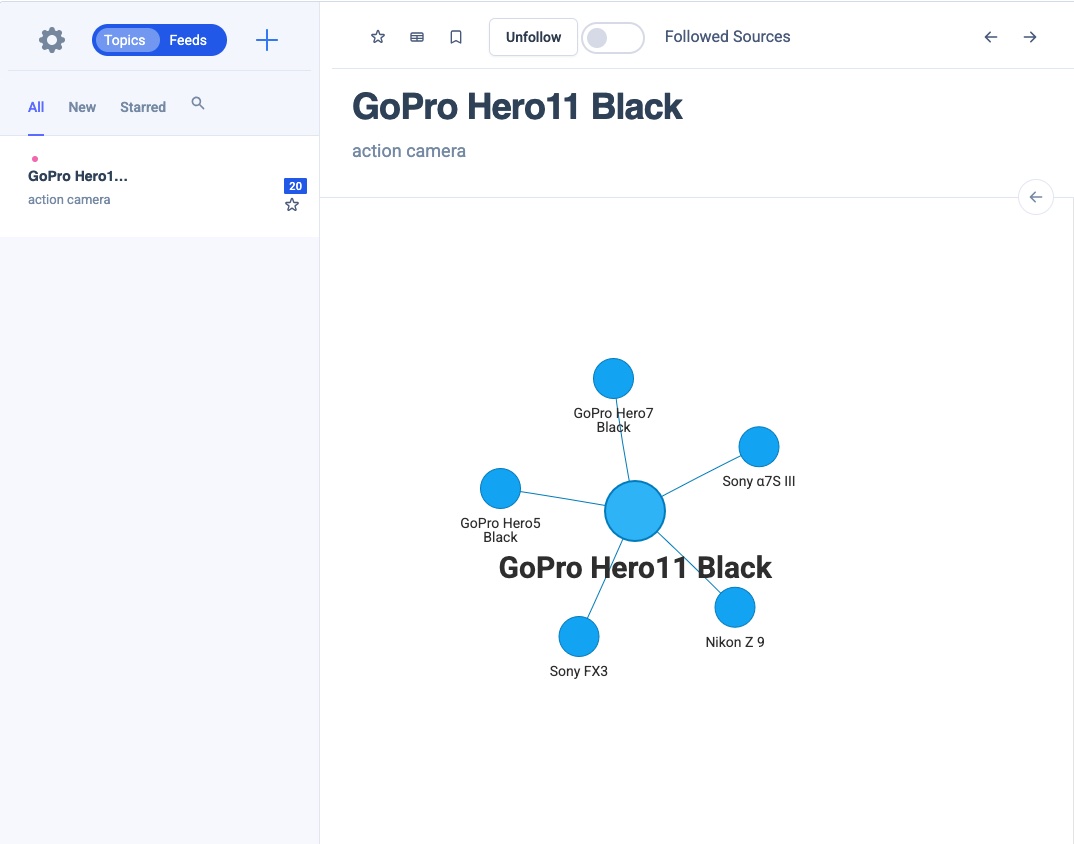
The best way to master something new is to understand its ecosystem. The Topic Explorer lets Sam visualize how his topic connects to related ones, expanding node by node to uncover adjacent subjects. It’s an intuitive way to broaden his knowledge without starting from scratch each time.
3. Import Sources
If you aleardy have sources you trust you can import them in Urloom.
Urloom Supports:
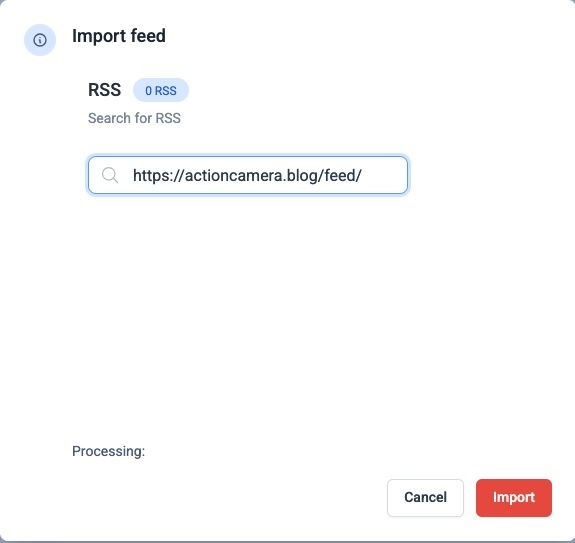
- Individual RSS feeds: paste in a feed url to add a specific source
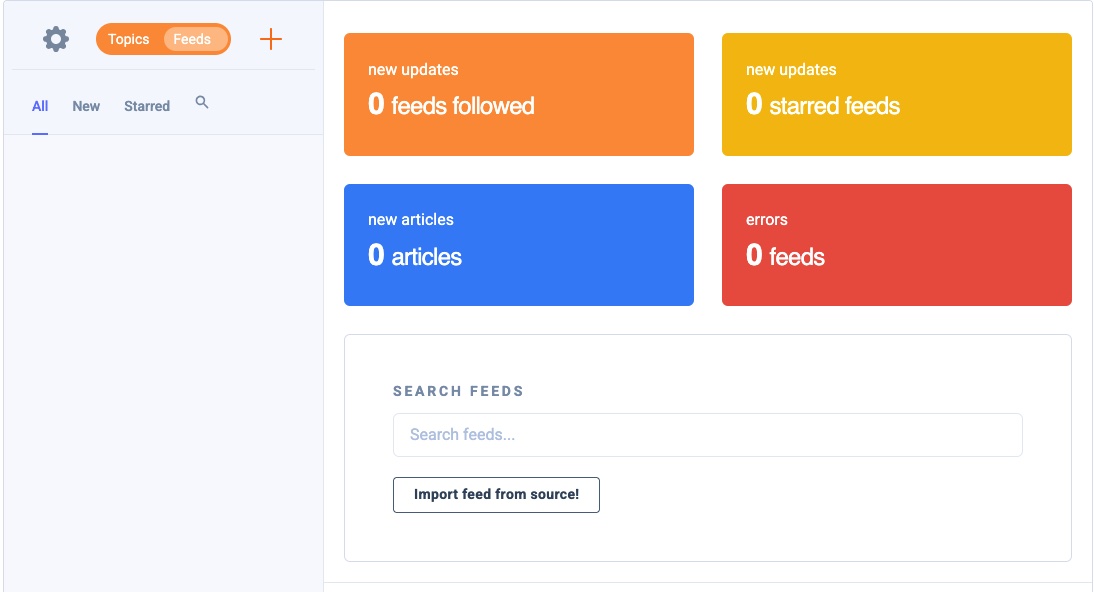
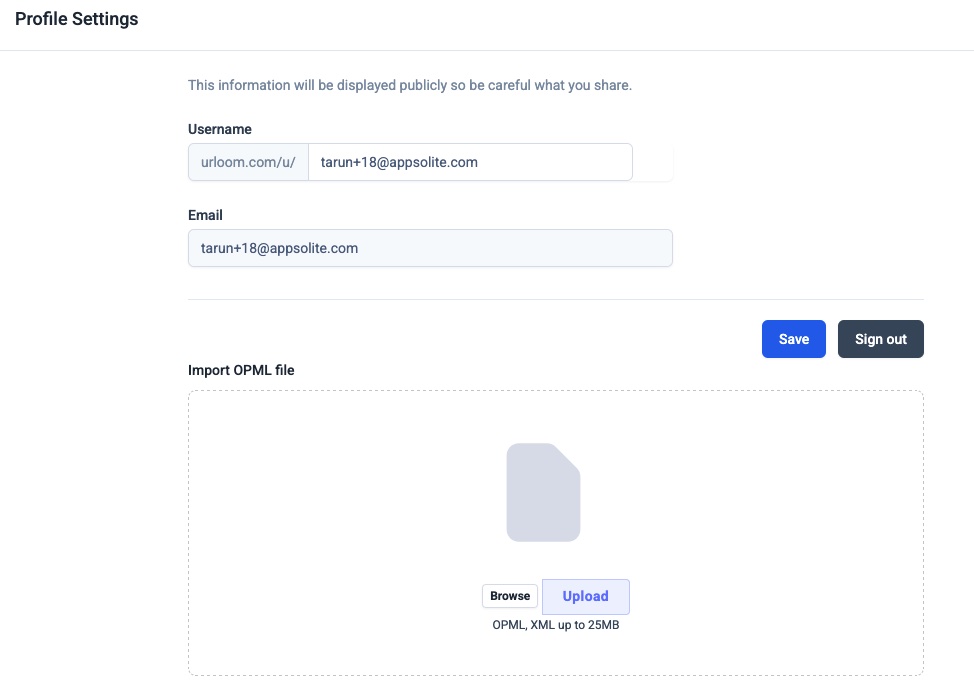
- OPML files: import multiple feeds at once using the standard XML format, handy for blogrolls or cureated reading lists shared by other creators
Another way to import multiple RSS feed is using an OPML file which is an xml file format where you can import multiple RSS feeds at once. Usually these files are provided by various blogs as blogrolls to showcase other interesting bloggers.
4. Feed Your Focus
With his topics followed and his favorite sources added, Sam can put down the rabbit hole and pick up his camera. Urloom streams the content; Sam focuses on building his videography skills.
That’s the idea, less time managing your feed, more time doing what you actually came to learn.